Work From Home
Prior to being deployed to work from home, users should complete this speed test and submit the results to their supervisor.
- Speed Test Instructions
- Manually configuring OpenVPN
- Install / Update OpenVPN
- Install and configure UniFi Identity VPN
Speed Test Instructions
Prior to being deployed to work from home, users should complete this speed test and submit the results to their supervisor.
Step one: Go to https://getvoip.com/speed-test-tool/ and click “Start”.

Step 2: After the test completes, click the Copy button and send the URL to your supervisor

Manually configuring OpenVPN
|
Step 1: Add Foxpass to Microsoft Authenticator
|
||||||||||||||
|
|
||||||||||||||
|
||||||||||||||
|
|
||||||||||||||
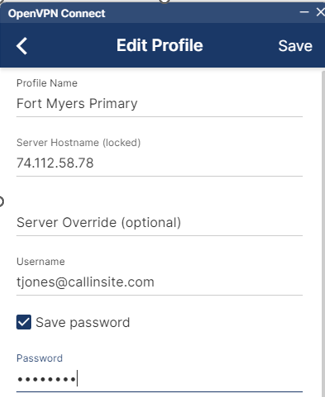
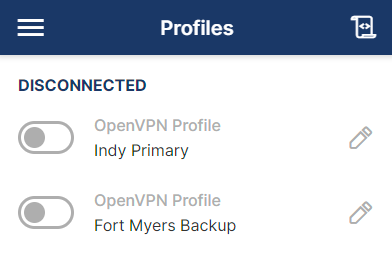
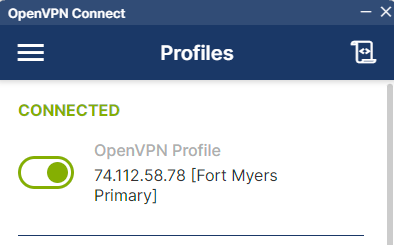
Step 3: Download the VPN Profiles:
|



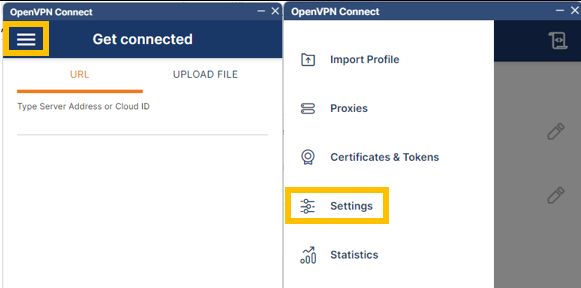

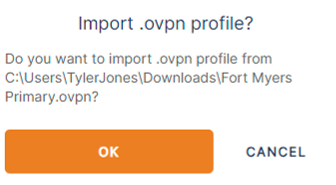
Install / Update OpenVPN
|
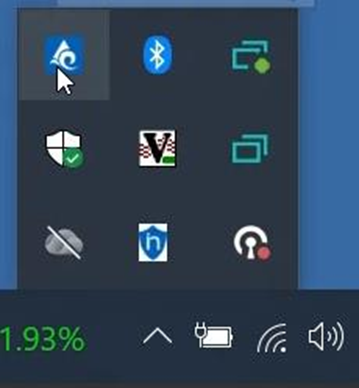
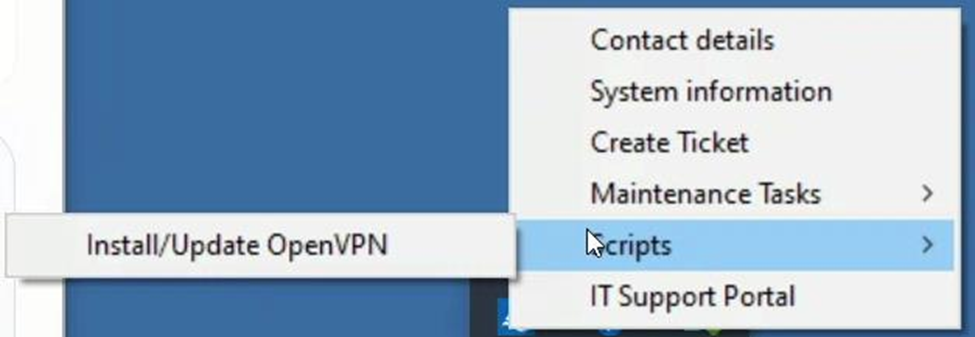
Step 1: Begin Update Script
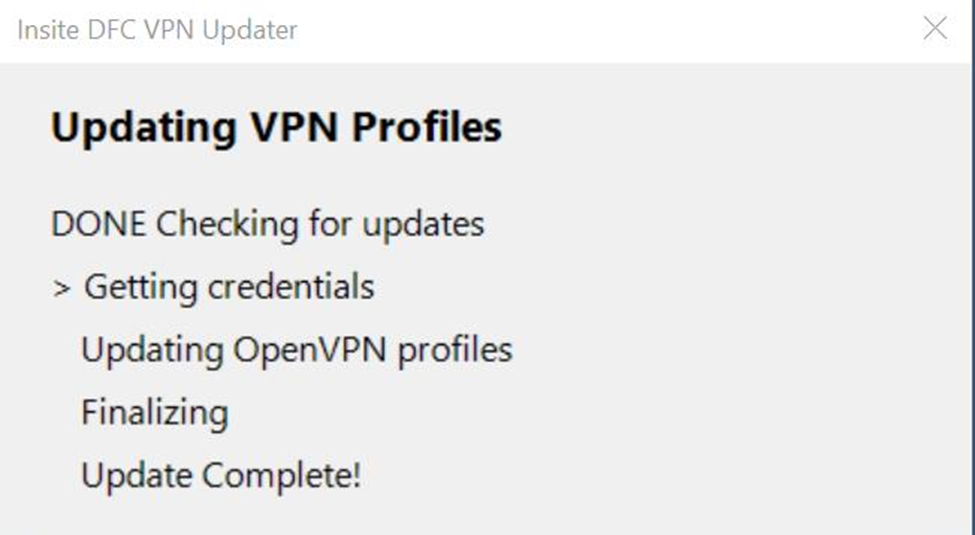
The update script has been designed to reduce user input. It will:
The process takes around 3 minutes start to finish.
|

Install and configure UniFi Identity VPN
|
1. Open the email from identity@ui.com.
Click the Get Started option. |
|
|
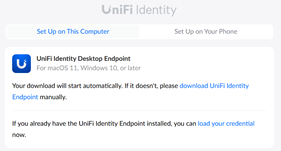
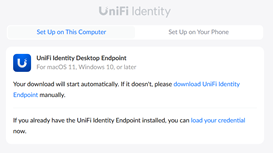
2. The download should automatically start for UniFi Identity Desktop Endpoint. If it does not, select the “download UniFi Identity Endpoint” option.
|
|
|
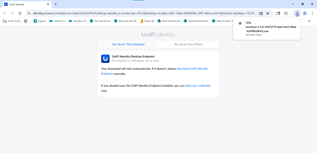
3. Once the file has downloaded, select it when it shows in the top right corner.
|
|
|
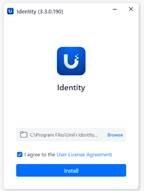
4. The application will load as shown. |
|
|
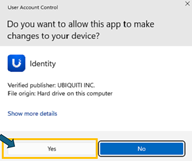
5. If you see a User Access Control box, click Yes if available. Otherwise, select the “Request ThreatLocker Elevation” bubble and submit the request. Someone from the IT Support team will be in touch within 5 minutes (within normal business hours) with further instructions. |
|
|
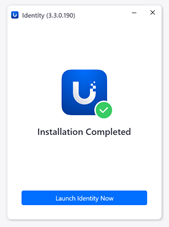
6. The application will start to finalize its installation. |
|
|
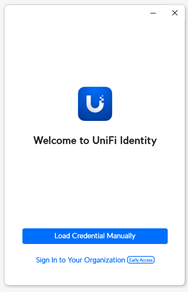
7. Select the Load Credential Manually option.
|
|
|
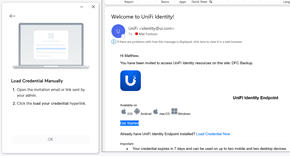
8. Reopen your email from UniFi and select the Load Credential Now option. |
|
|
9. Select the Load Your Credential option to start the process. |
|
|
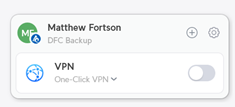
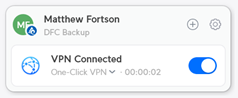
10. The VPN will now open in the bottom right corner of your screen. |
|
|
11. Repeat steps 8-10 with the second Welcome email to add the alternative VPN site. |
|